OXIAE / VIDEOIllustrative example

A dashboard: connect the overview to its source records

An illustrative worklist shows how a dashboard leads back to source records. Check definitions, filters, freshness and the difference between zero and missing data.

By Produced by OXIAEPublished

With narration and captions. Playback starts when you choose it.

Read along

Transcript

The spoken explanation, organised by chapter.

0:00What should someone do with the figure?

This accompanies our article on dashboards. Users need to recognise what needs attention and trace the information to underlying records.

0:10Which open requests need attention?

A fictional team wants to distribute open requests. An overview card and separate export disagree. Which selection does each total represent?

0:20Start with the operational question

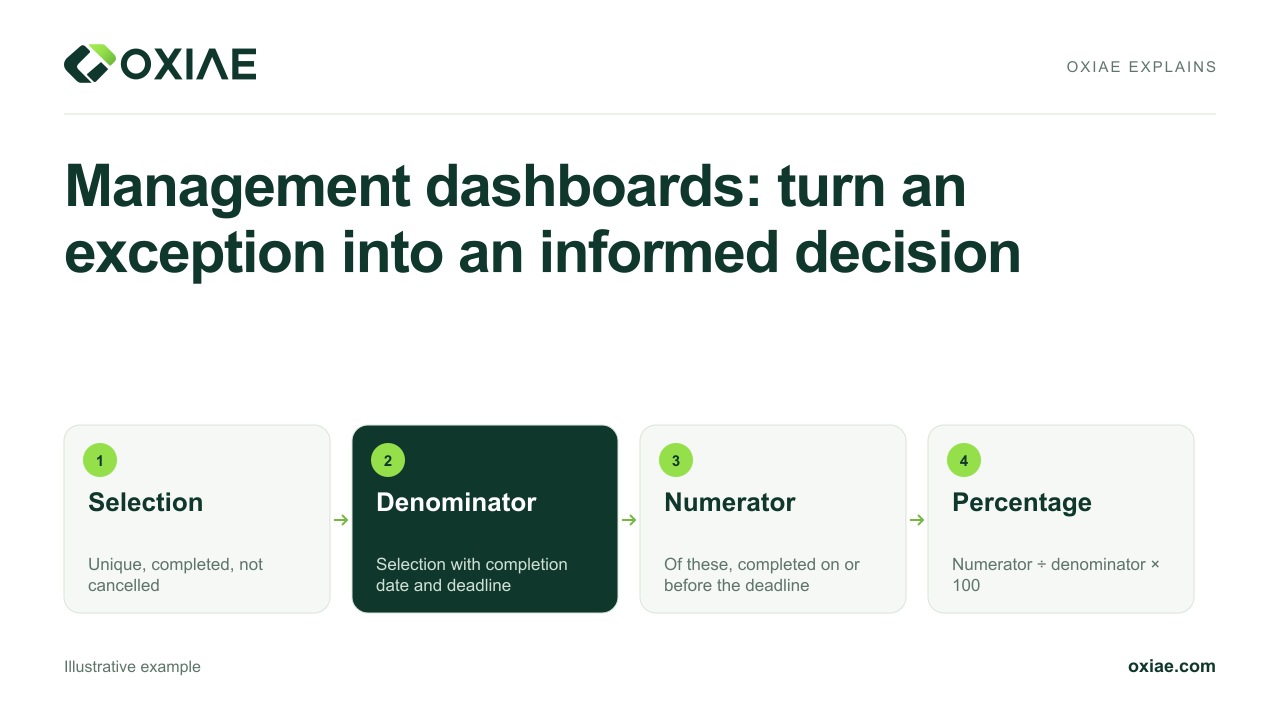
Agree which statuses mean open. Completed and withdrawn requests are excluded. Use only the agreed current source version for each request, so the same request does not appear twice.

0:33Give filters explicit meanings

Define team, status, date field and reference time. Request age follows the agreed receipt date. A later edit must not silently make an old request look newer in the worklist.

0:46Connect card, list and source

Selecting the card opens its corresponding records. An authorised user can reach the source record. That shows where work is assigned or completed.

0:56A failed refresh is not zero

When a refresh fails, do not display a reassuring zero. Show the error and last successful processing time. Whether the earlier snapshot remains usable depends on agreed freshness requirements.

1:09Verify against source records

Close a request in the source and check the selection after successful refresh. Test duplicate and incomplete records too. The card and detailed view must follow the same agreements.

1:22Include access and maintenance

Define which roles may view details and exports. Test direct requests, not just visible controls. Assign an owner for definitions, source failures and ongoing maintenance of the dashboard.

1:35Create a verifiable overview

A dashboard does not automatically correct its data. It exposes meaning and limitations. Our source article explores operational questions, source records, freshness and appropriate access in more detail.