
Project preparation checklist
Do you already have a concrete project in mind?
Check what is in place and what needs clarifying. Download your choices and actions as a project brief.
8 questions · local download · no accountPrepare your projectFree tools for your AI, automation or software project. Make unanswered questions visible, compare your assumptions and take a useful project brief into the next conversation.
Choose a toolStart with the tool that fits your question. You can use the checklist and calculator here without an account.
Do you already have a concrete project in mind?
Check what is in place and what needs clarifying. Download your choices and actions as a project brief.
8 questions · local download · no accountPrepare your projectDo you want to compare time and costs?
Enter volume, handling time, human review, setup costs and maintenance. See the calculated capacity and balance under your own assumptions.
Editable assumptions · formulas includedCalculate a scenarioAre you still exploring where to start?
Describe one recurring process and request an AI-generated first assessment, with requirements and a possible pilot plan.
Separate tool · AI processing after consentExplore your AI opportunitiesCheck eight practical conditions for an AI, automation or software project. Get a next step and download your answers as a project brief.
YOUR PREPARATION
Answer all eight questions. Choose “Not sure yet” when you need to verify something; an assumption is not a confirmed condition.
This is your own assessment, not a feasibility score. The checklist does not verify systems, permissions or legal compliance.
This checklist sends no answers and saves nothing. The download is created in your browser. Refreshing clears your choices. Keep confidential details out of the subject.
The questions follow a preparation sequence: task, owner, examples, access, acceptance, review, budget and maintenance. After all questions are answered, the first “No” or “Not sure yet” in that order determines the suggested next step. There are no weights, percentages or automatic approval. Eight “Yes” answers lead to a trial plan, not a guarantee of results.
This is an OXIAE preparation aid based on the project approach explained in the service guides. Read the project approach.
Change the assumptions to compare manual work with an automated workflow. Include human review, exceptions and maintenance.
All starting values are illustrative. They are not OXIAE prices, a quote or a forecast.
The calculation runs in your browser. No account is needed.
Scenario result
Using the illustrative values
Freed-up time is capacity for other work. Its calculated value does not automatically reduce your spending. The balance and payback period use that value, not a forecast of cash flow.
The first year assumes 12 equal months and deducts the one-off setup cost. No ramp-up period is included.
Discuss the assumptionsVolume and average handling time are constant throughout the year. Quality differences, growth, financing, taxes and additional revenue are not included. Test your assumptions with a small practical trial first.
These tools help you prepare a decision. Your examples, checks and a practical trial determine whether a solution works in your situation.
Your answers determine which condition to clarify first. “Not sure yet” stays open. There is no expert score or automatic green light; the method is explained under the checklist.
The calculator uses your own volume, time and cost assumptions. Human review and maintenance count towards future working time. Freed-up capacity is not automatically a cash saving. All formulas are available below the calculation.
The checklist and calculator run in your browser and do not send their answers. They keep no saved project. The separate AI Quick Scan explains its data processing and asks for consent before sending your description for AI analysis.
Read about the AI Quick ScanThe checklist is an OXIAE preparation aid, not an independently validated assessment. These service guides explain the project choices behind the questions.
How discovery, scope, implementation and handover fit together.
Choosing a process, handling exceptions and checking whether an automation fits.
From a bounded use case to a test with human review and acceptance criteria.
Access, system boundaries, failure handling and maintenance of integrations.
See how to describe a process handover, compare language models and define an MVP trial. Use these explanations to clarify the assumptions you record in your project brief.
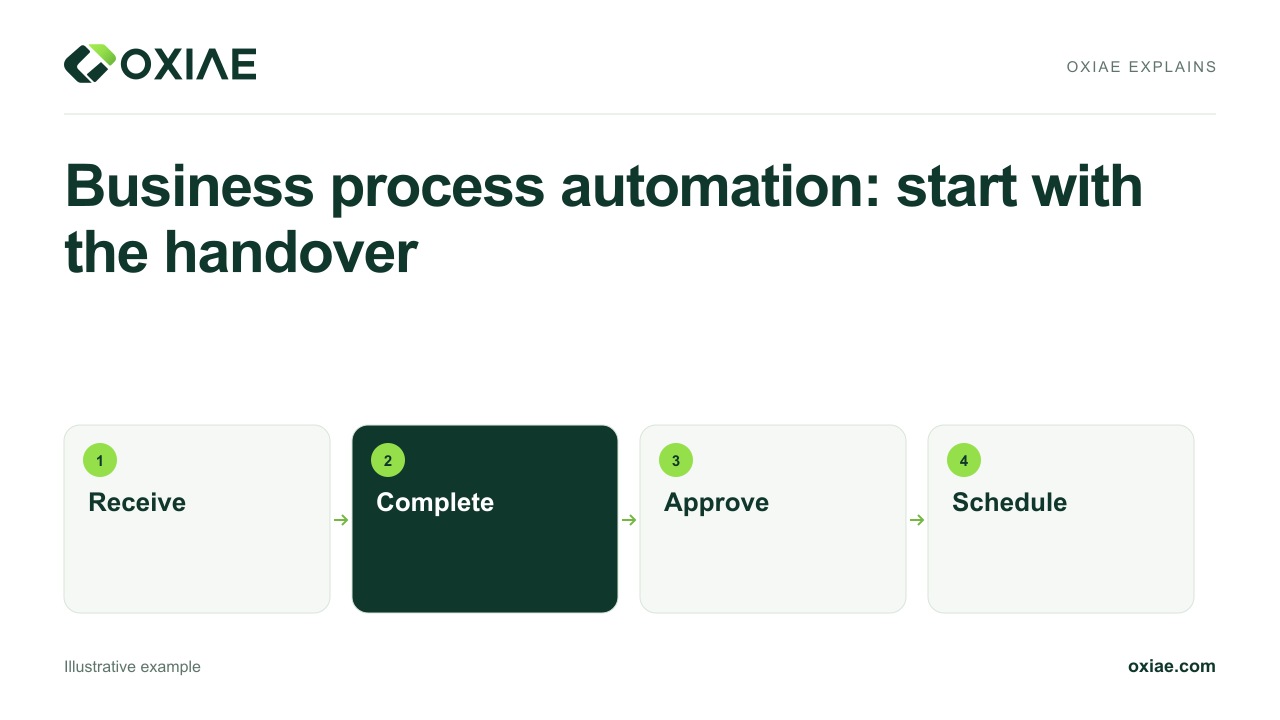 1:52
1:52Use a fictional service request to see how teams can automate handovers with clear information, meaningful states, accountable owners and exception paths.
Source articleBusiness process automation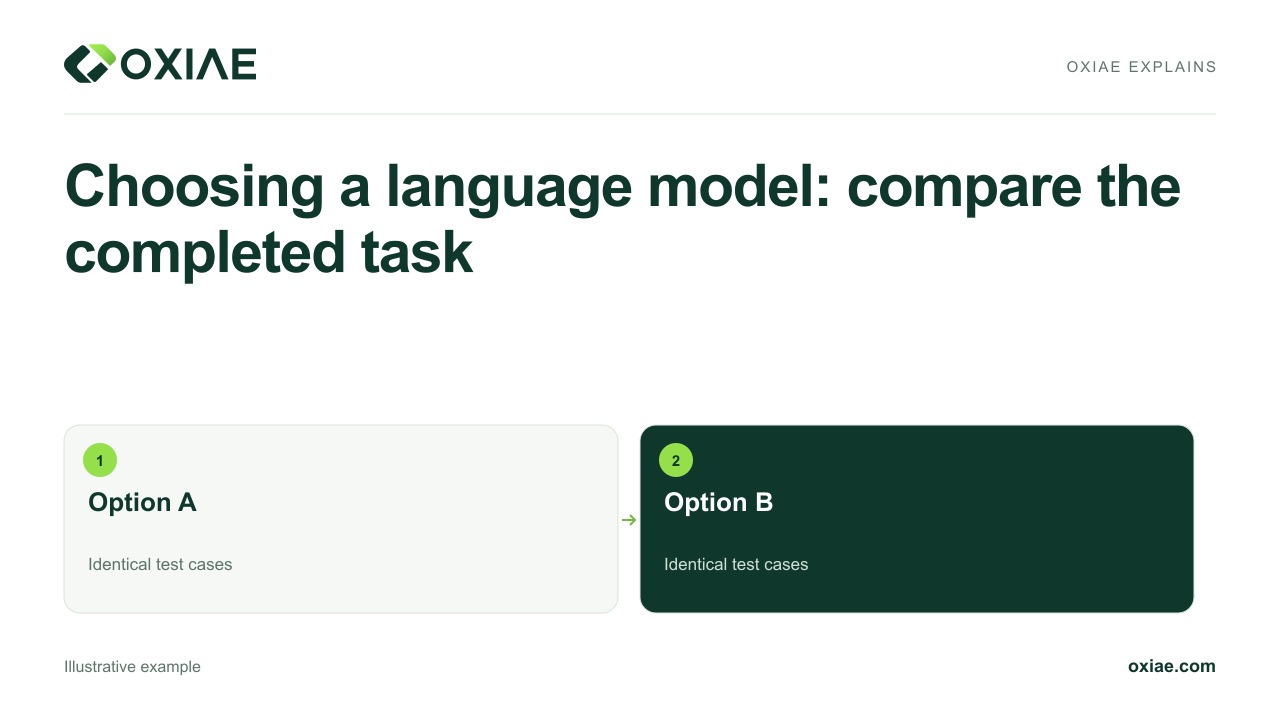 1:55
1:55Compare language models on the same maintenance reports. Assess output format, source accuracy, total waiting time and review effort before choosing a model.
Source articleLLM integration: model selection, validation and operation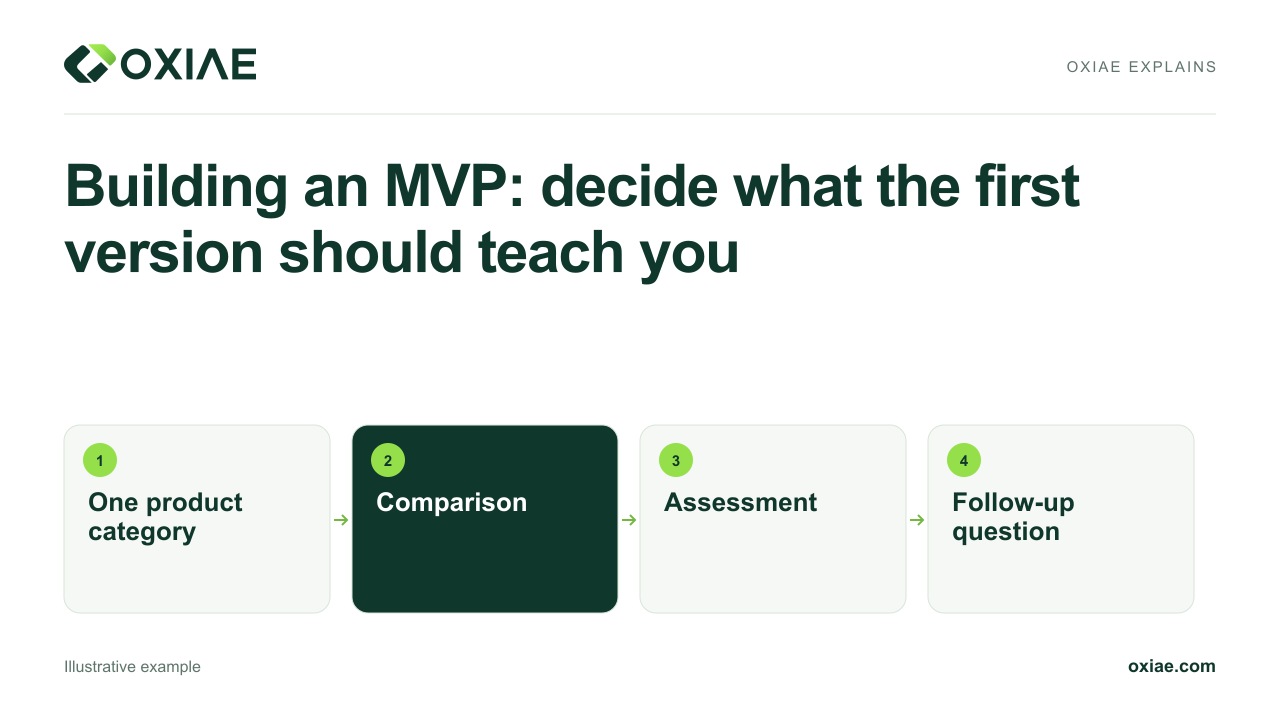 2:00
2:00An illustrative quotation tool shows how an MVP examines one assumption. Separate a working product, independent task completion and evidence of willingness to pay.
Source articleMVP development: test your product’s key assumptionBring your brief and scenario to an introduction. We can discuss what is known, what needs checking and whether a limited trial is useful.
Discuss your project