OXIAE / VIDEOIllustrative example

Connecting software: assign one source for each field

Follow customer details, work status and invoice data through three fictional systems. See why each integration field needs an agreed source and direction.

By Produced by OXIAEPublished

With narration and captions. Playback starts when you choose it.

Read along

Transcript

The spoken explanation, organised by chapter.

0:00Which system has the final say?

This accompanies our article on connecting software. When CRM, scheduling and accounting exchange information, define which application may change each field.

0:12Three systems, different meanings

In a fictional organisation, a customer order moves from CRM to scheduling and then accounting. Meanwhile, someone changes an address. Which application should distribute that particular change?

0:25Separate the data flows

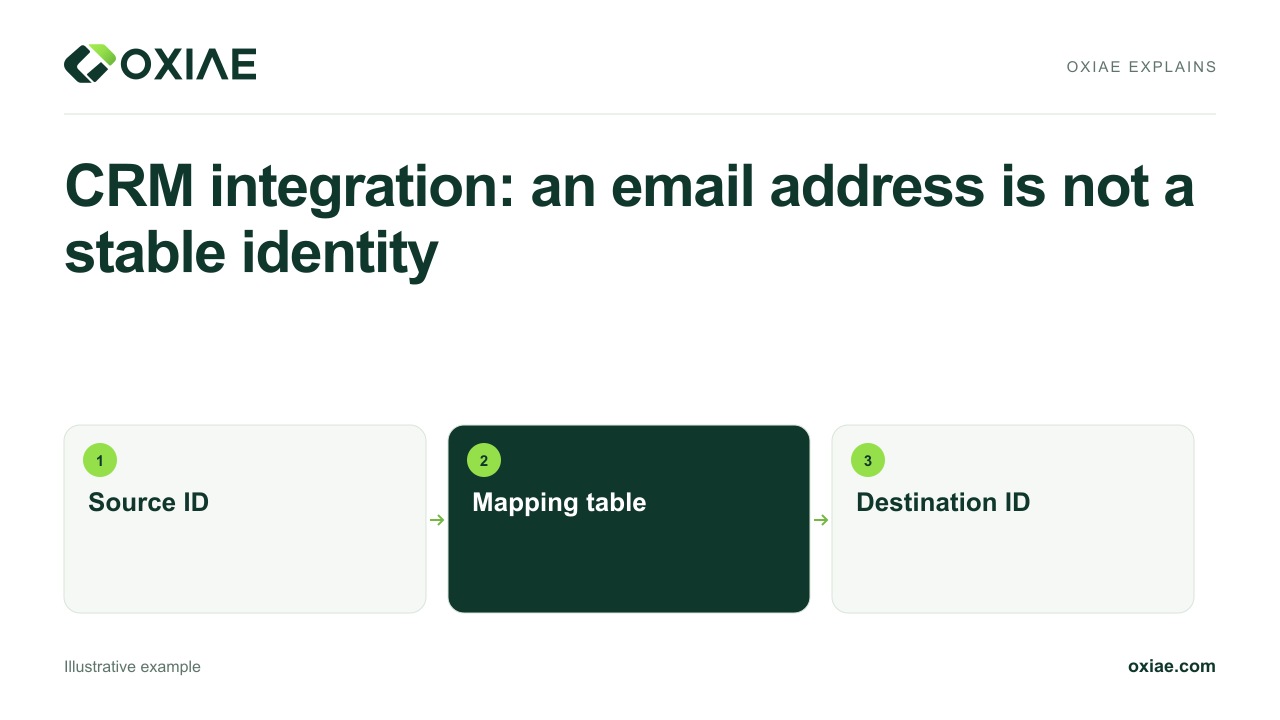
The CRM owns customer details, scheduling owns execution status, and accounting owns invoice numbers. These fields travel in agreed directions without casually overwriting fields owned by other systems.

0:39Document field agreements

Specify source, destination, stable reference and transfer trigger for each field. Define clearing, archiving and deletion too. Two-way synchronisation is not blanket permission to update every available field.

0:54An address follows its owner

An address change from CRM may reach scheduling. An execution status changed there can return as status information, without automatically changing the customer details held in the CRM.

1:06Give conflicts a route

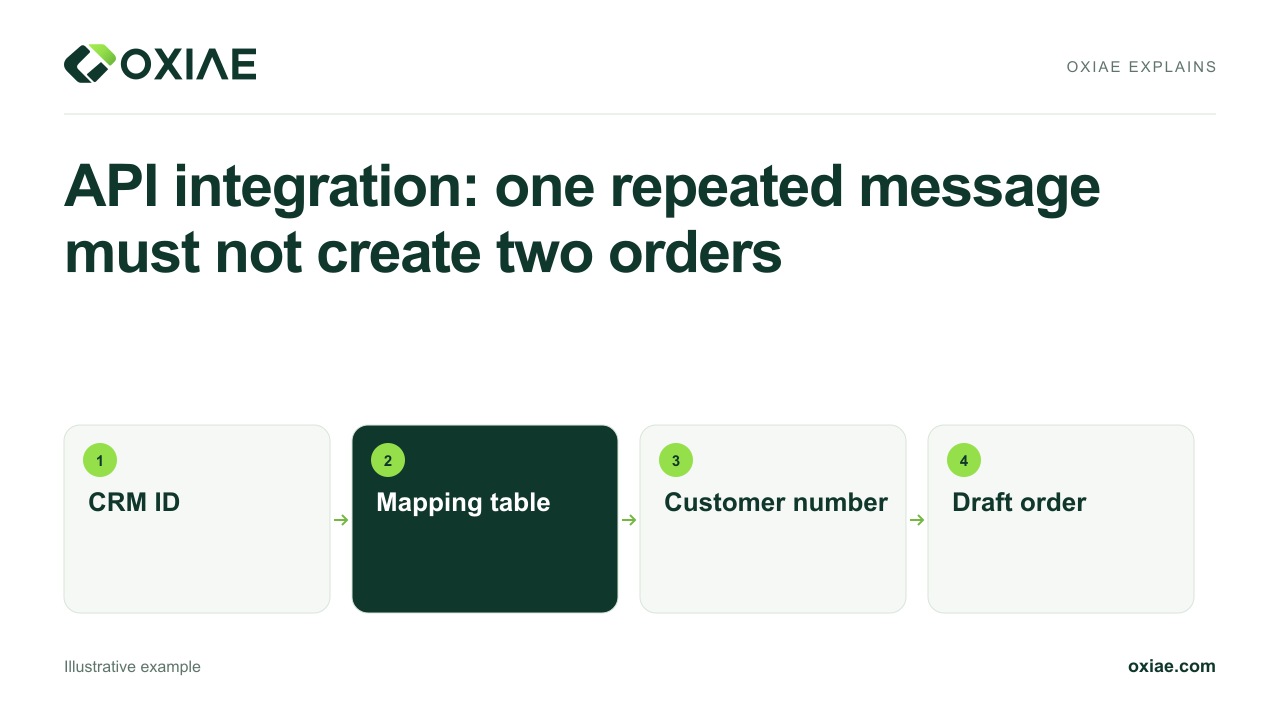
A change arriving from the wrong source, or without a customer mapping, needs explicit handling. An apparently successful connection must not hide a failed or incorrect data transfer.

1:18Reconcile source and destination

Compare records over the same period. Which changes arrived, which are missing and which await recovery? Show administrators the last successful processing time and the required freshness.

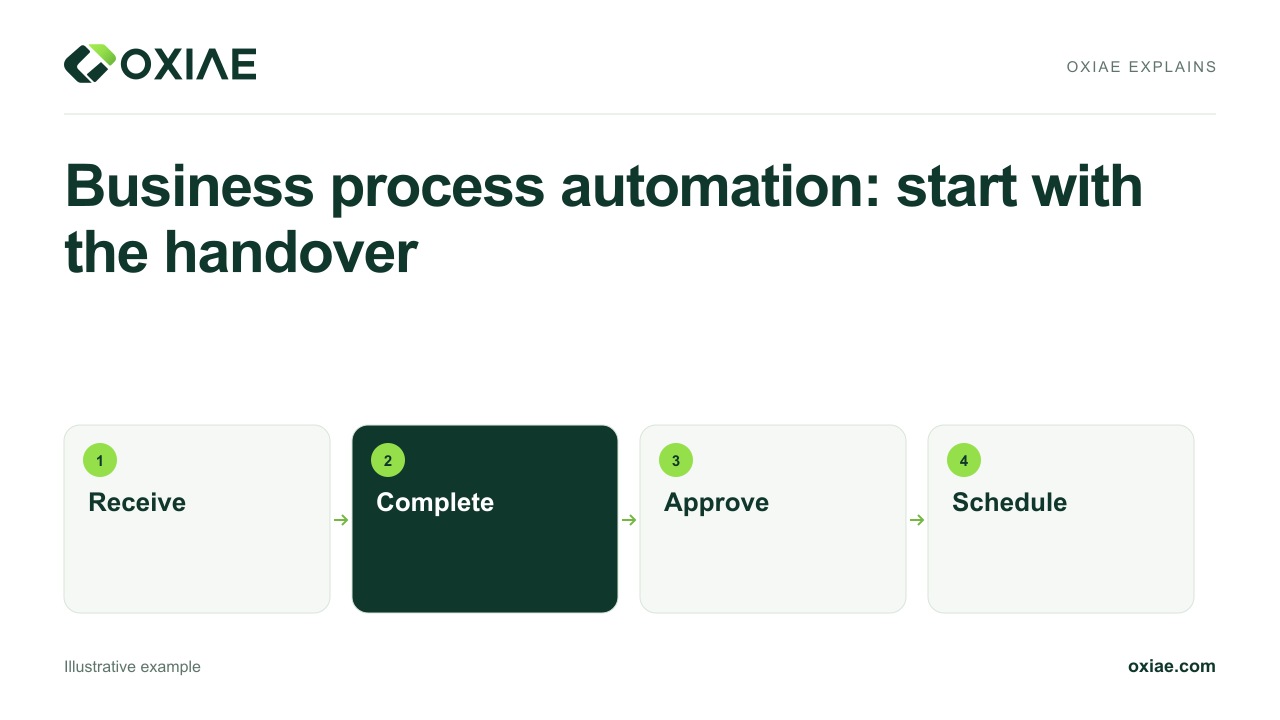
1:31Start with one handover

Choose one operational problem and test creation, changes, deletion and recovery after failure. Check whether an existing connector supports these agreements before developing a custom integration.

1:44Preserve meaning through the chain

Good integrations preserve meaning and responsibility as they transfer information. Our source article on software integrations helps define sources, directions, exceptions and maintenance in practical terms.